On-call, simplified.
Rotations, alerts and escalation in one calm place. Know who's on call, reach the right person wherever they are, and stop paying extra for SSO.
Free for up to 5 users.
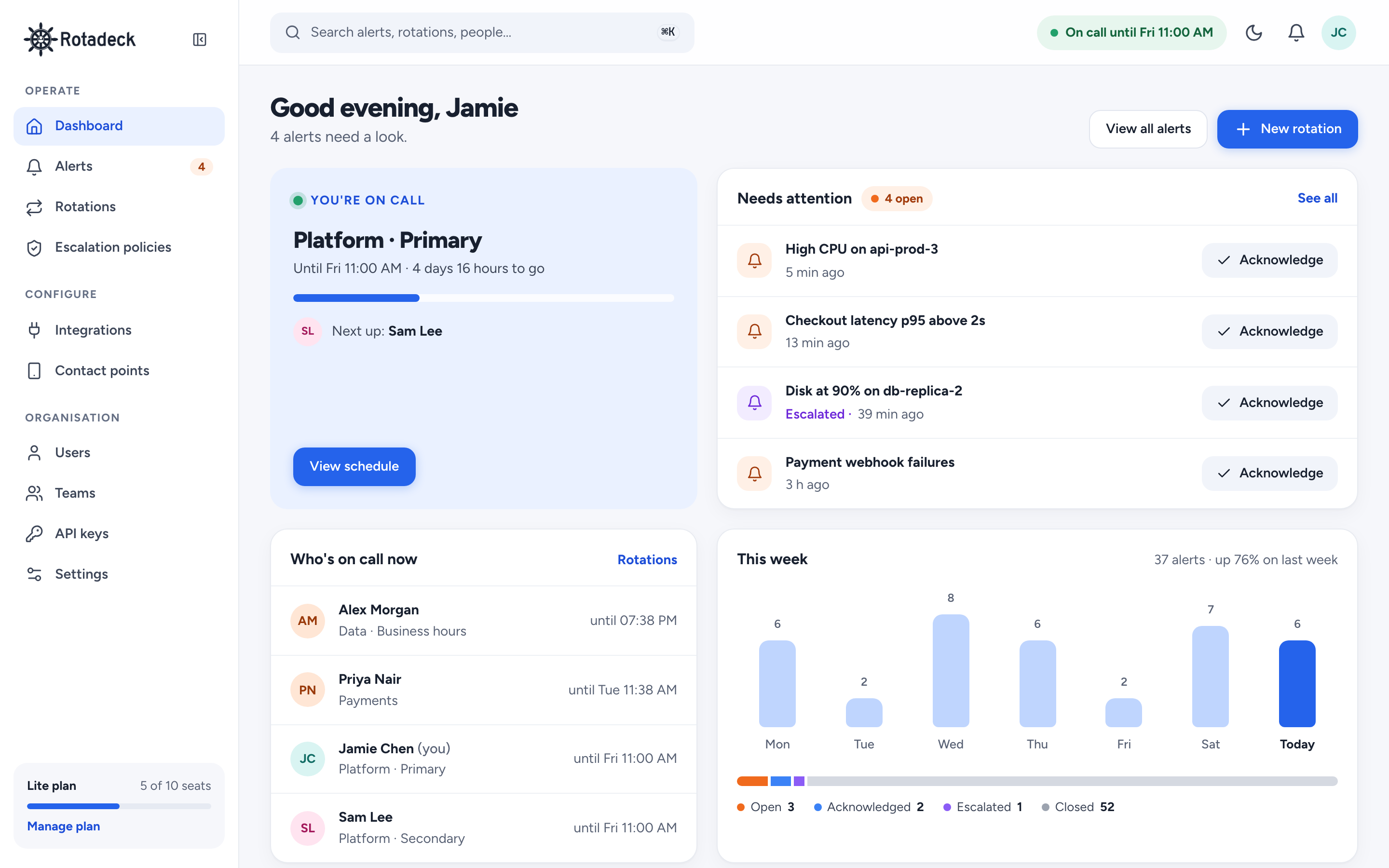
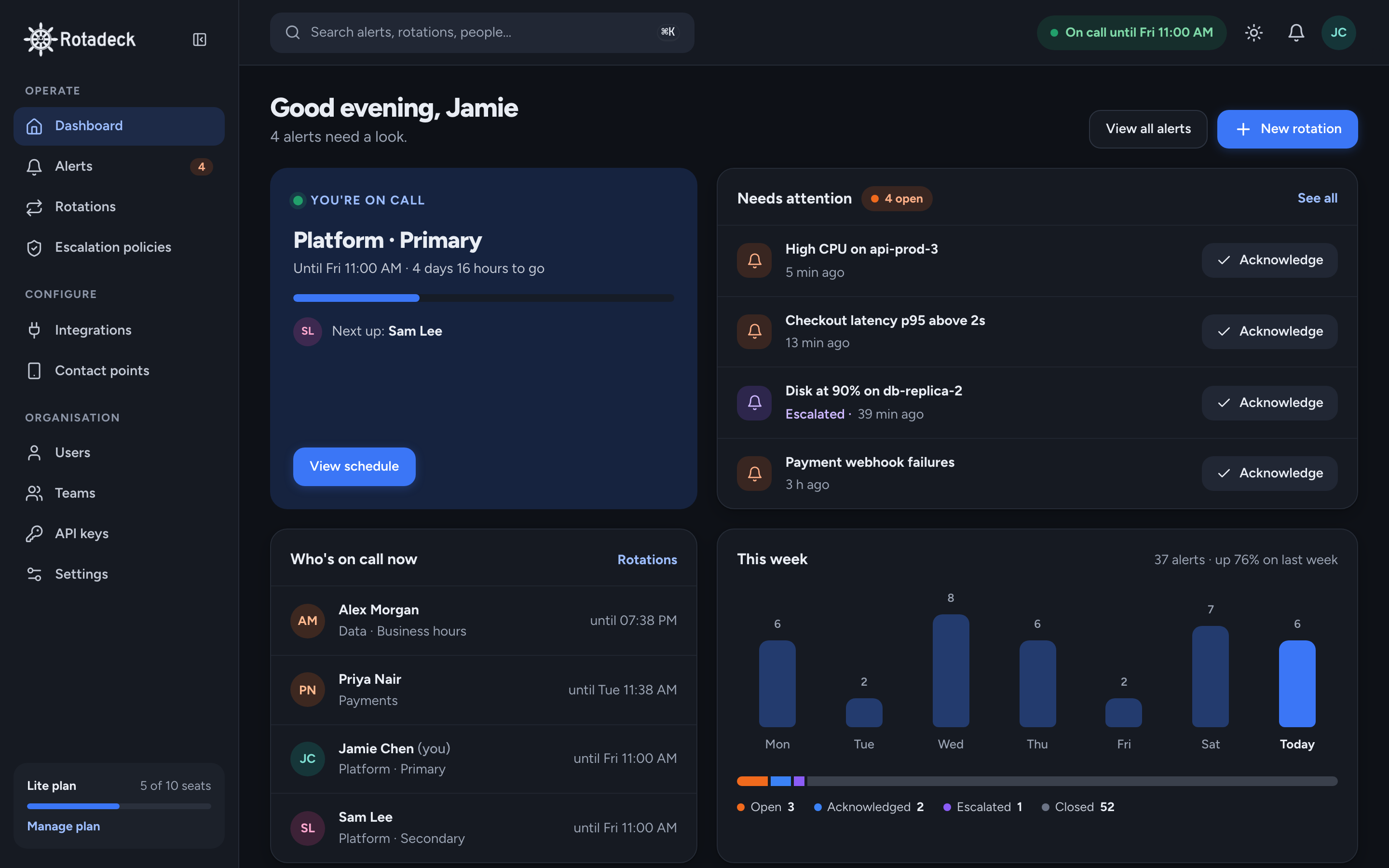
Why Rotadeck
Simple on-call, with the features you actually want
Built around the essentials, so your team can get going quickly.
Built by developers, for developers
A full API, webhooks in, and none of the enterprise bloat. Set up in minutes, not days.
No SSO tax
Single sign-on is included in every paid plan, at no extra cost.
Pricing that fits on a napkin
Free for small teams, then a flat price or a simple per-user rate. No add-ons to decode.
Integrations
Works with the tools you already use
Connect a monitoring tool in a couple of minutes. Setup steps and copy-paste config are built in, and alerts close themselves when the tool reports recovery.
Prometheus
Alertmanager, Mimir, Thanos
Grafana
Grafana Alerting
Datadog
Monitors
Sentry
Issues and metric alerts
UptimeRobot
Down and up alerts
Amazon CloudWatch
Alarms via SNS
PagerDuty API
Events API v1 and v2
Any webhook
Map your own JSON
Moving from PagerDuty or Opsgenie?
Rotadeck speaks the PagerDuty Events API and the Opsgenie Alert API. Point your existing tools at Rotadeck by changing one URL, and keep everything else as it is.
Rotadeck in action
Everything your team needs to manage on-call
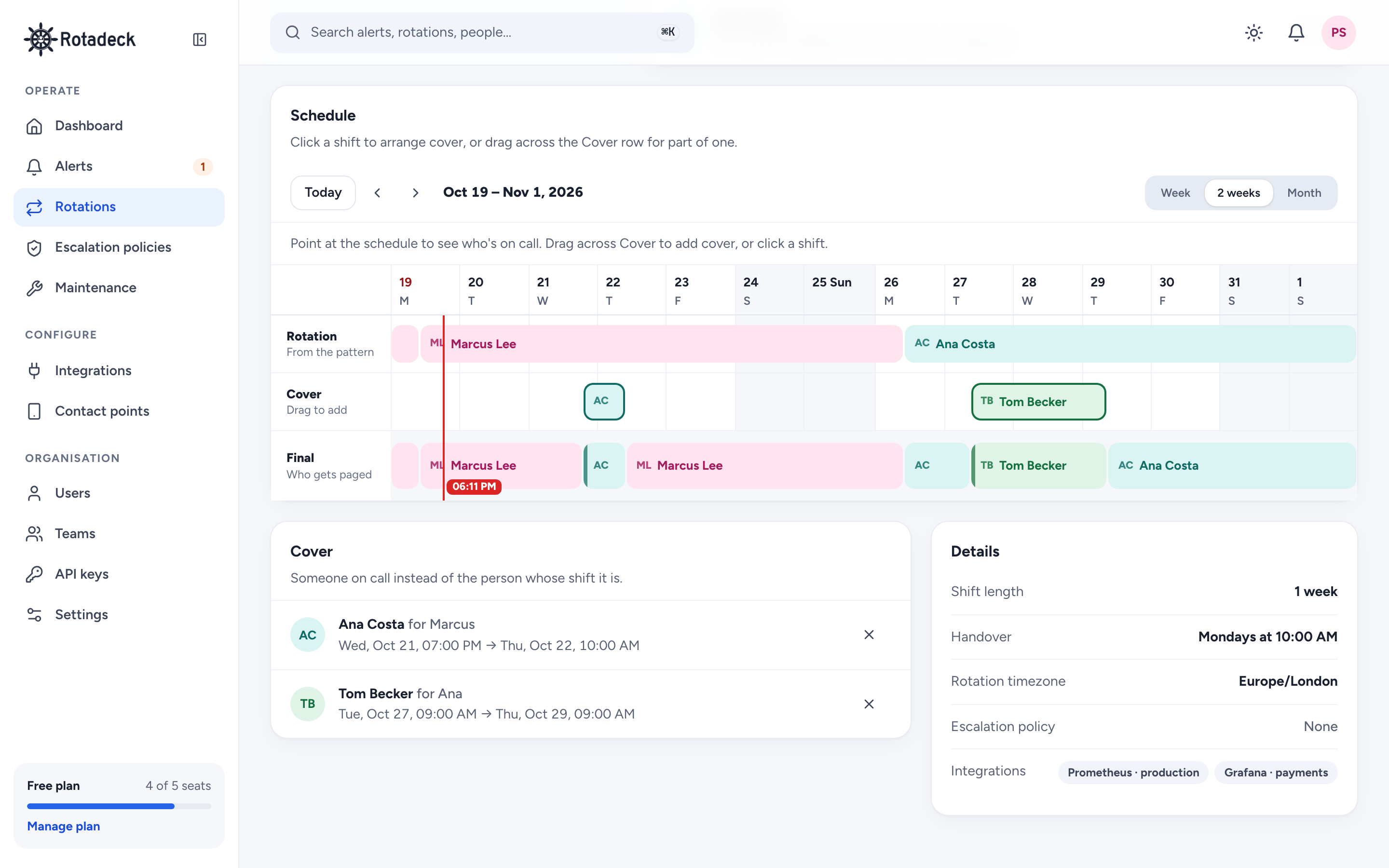
Rotations
Swap shifts without the spreadsheet
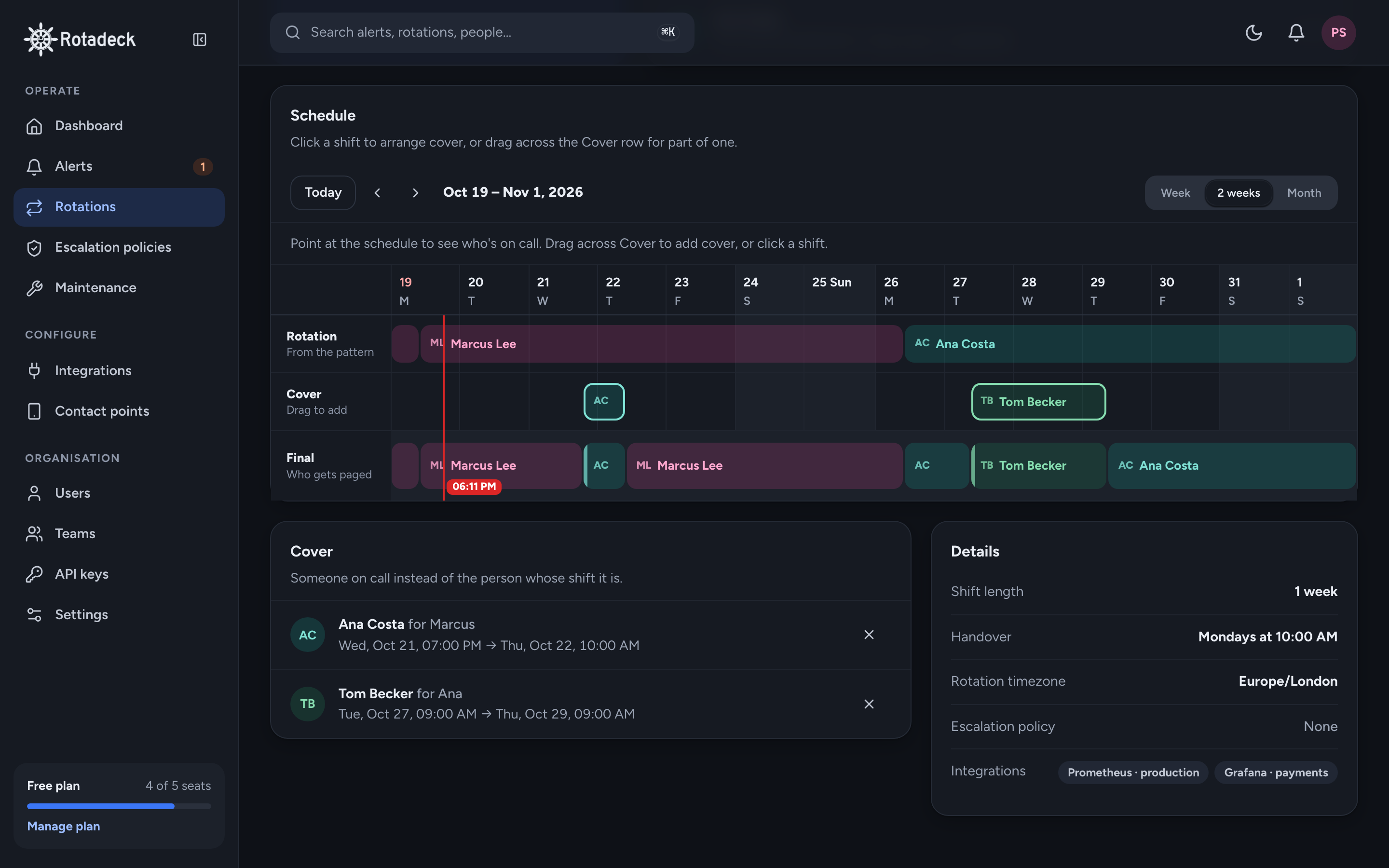
See the whole schedule at a glance, and who actually gets paged. Need an evening off? Drag across the timeline and pick who covers it.
Cover a whole shift or just part of one, in a couple of clicks
Anyone can arrange cover for their own shifts
Emails when your shift starts, or when someone asks you to cover
Handovers stay at the same local time when the clocks change
Escalation
Alerts that always reach someone
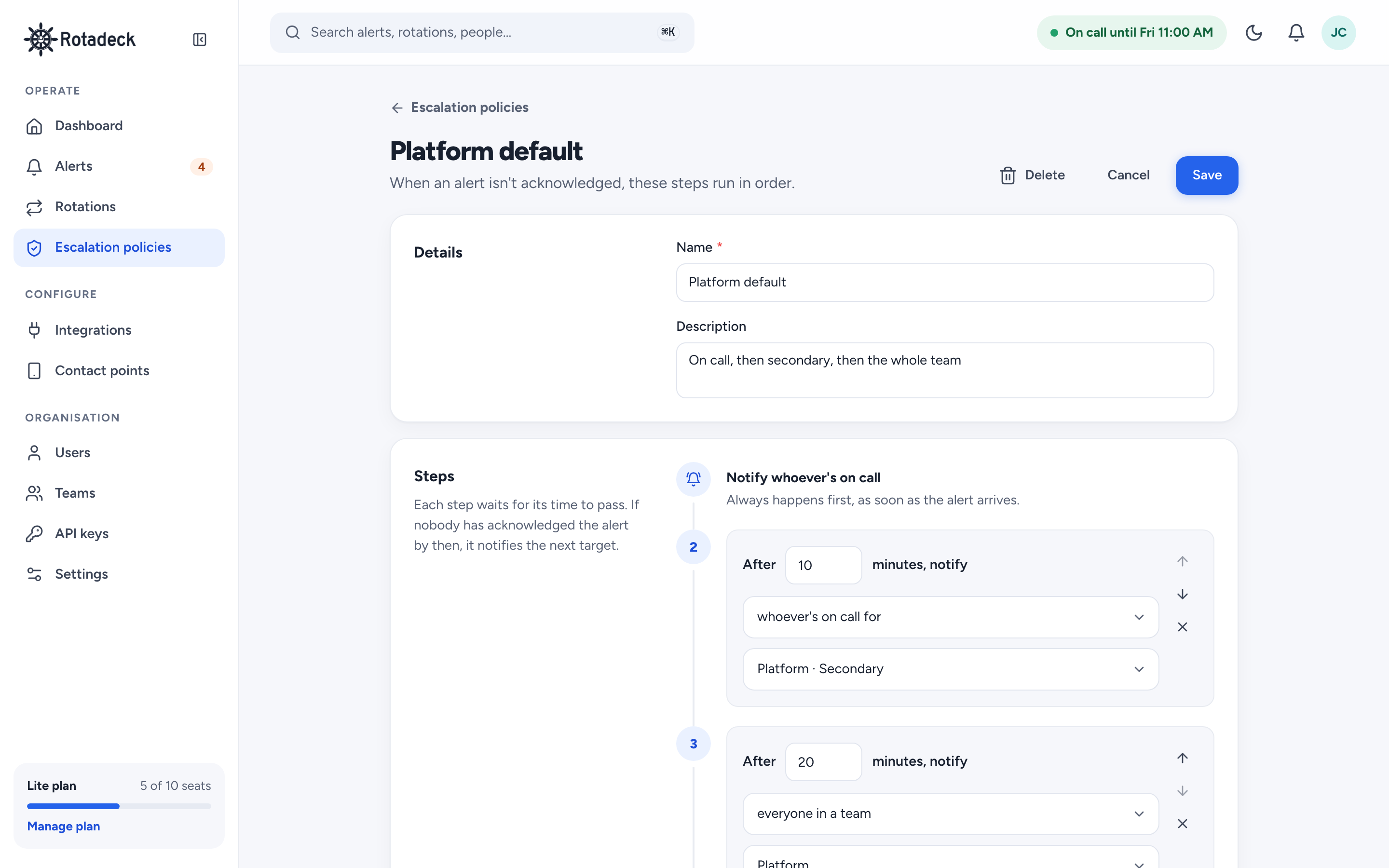
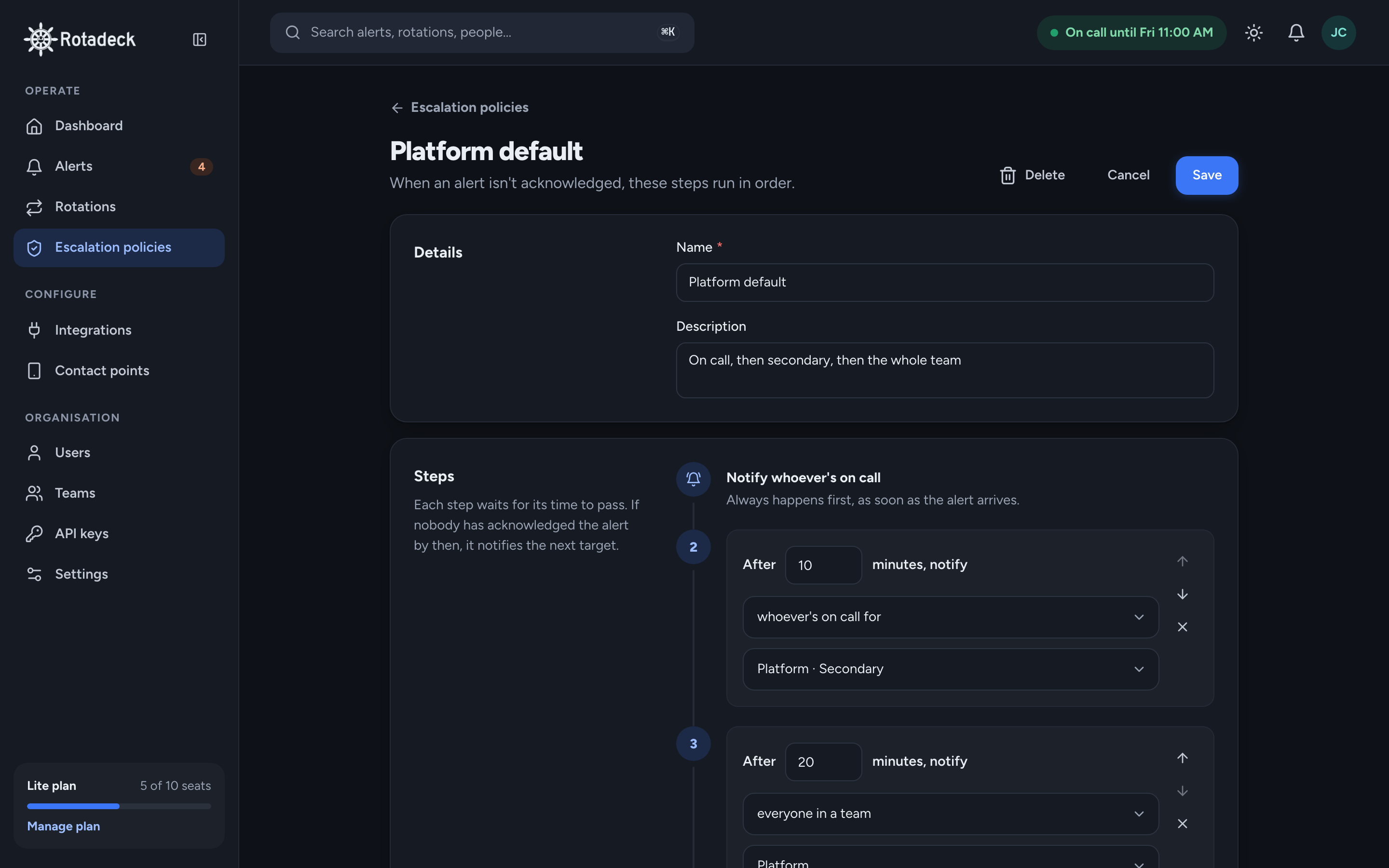
If nobody acknowledges an alert, Rotadeck moves to the next step: another rotation, a person, or the whole team.
Build policies as simple steps: after 10 minutes, notify…
Repeat the steps until someone responds
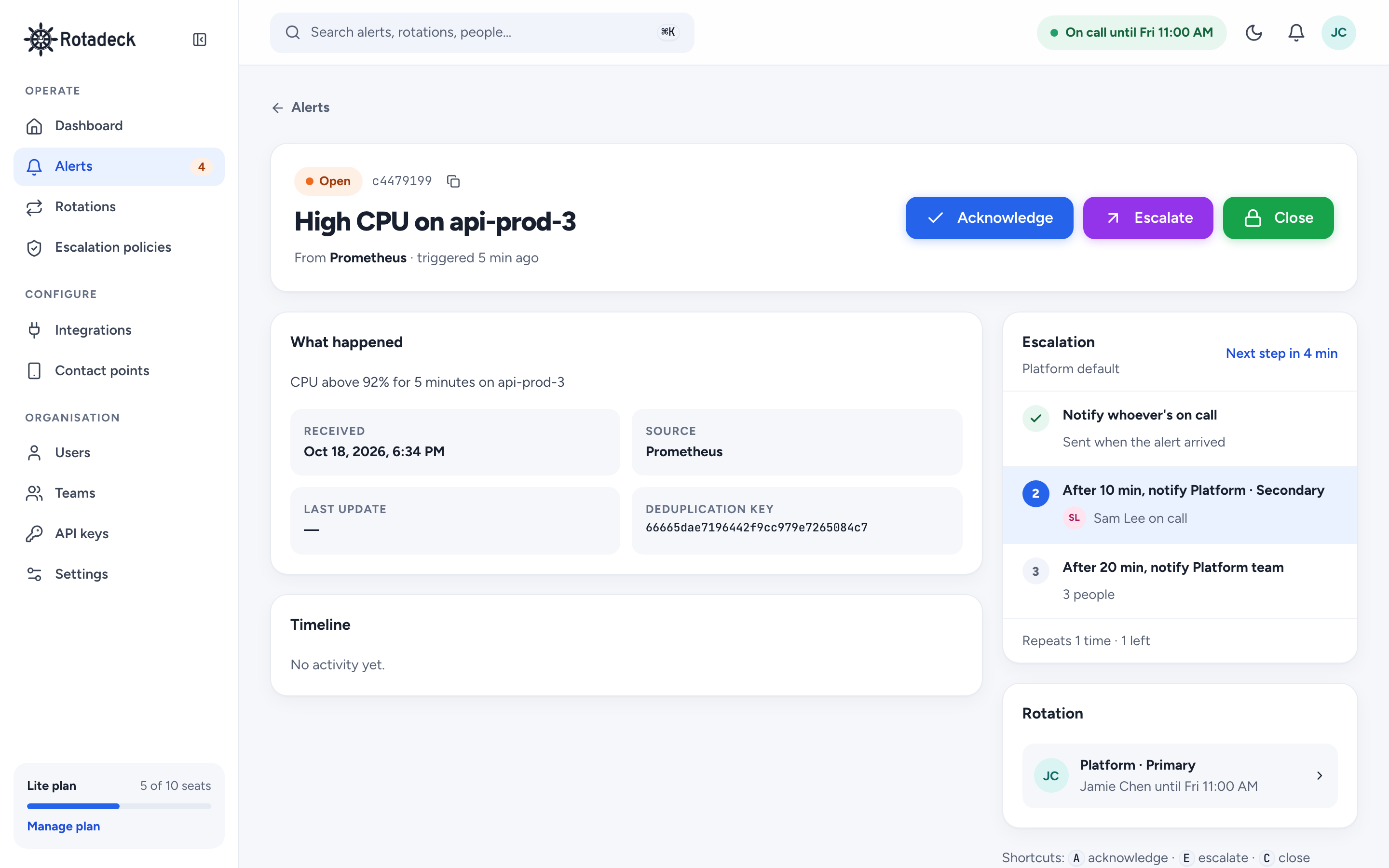
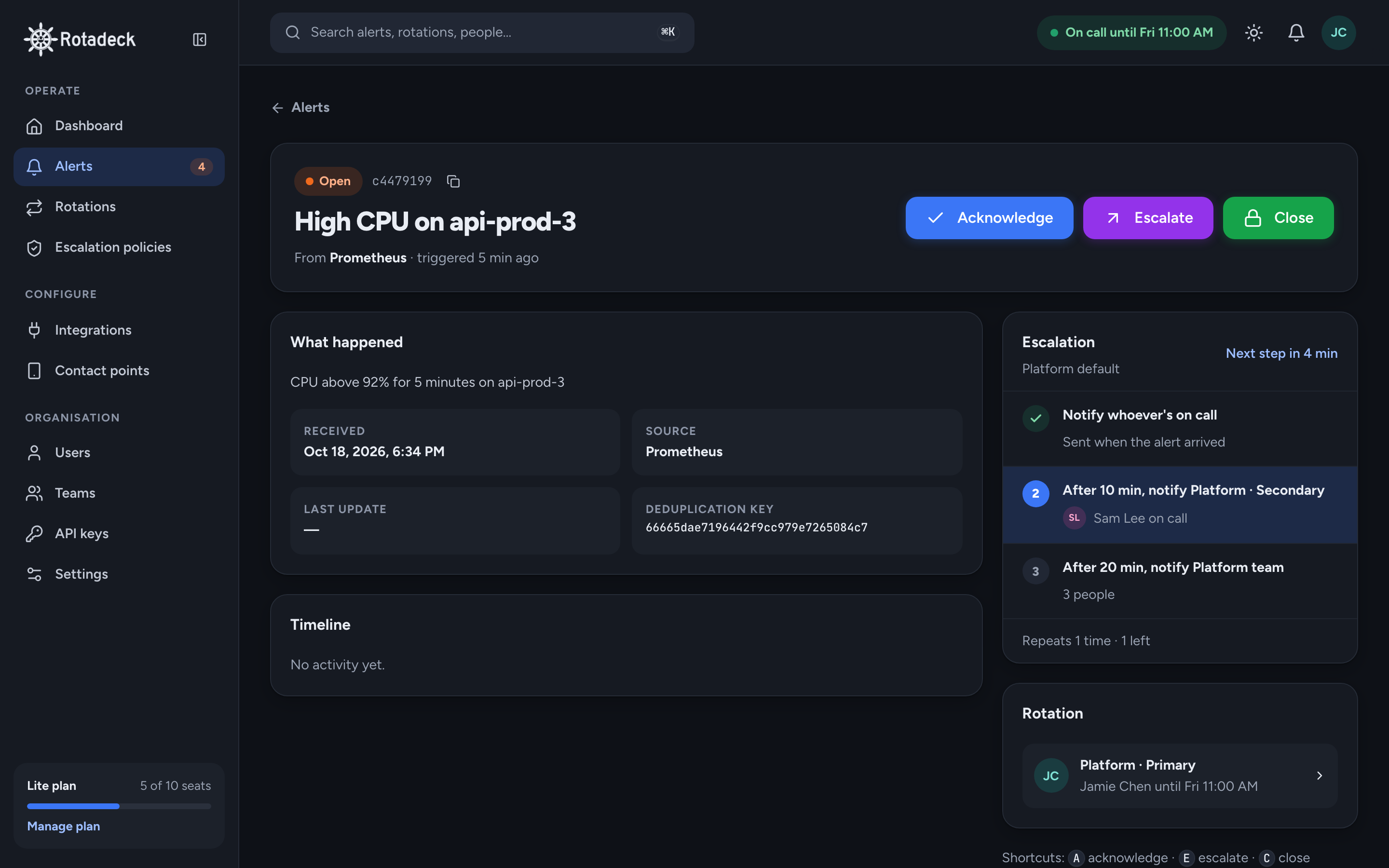
See exactly where each alert is in its escalation
Alerts
Everything you need to respond
Acknowledge, escalate, snooze or close in a click, or acknowledge by answering the call. Alerts close themselves when your tool reports recovery.
Reach people by email, SMS, voice, push, Slack, Microsoft Teams, Telegram, ntfy or Pushover
Snooze a noisy alert; it pages again if it’s still open
A timeline of everything that happened
Keyboard shortcuts for the 3am acknowledge
Maintenance
Quiet during planned work
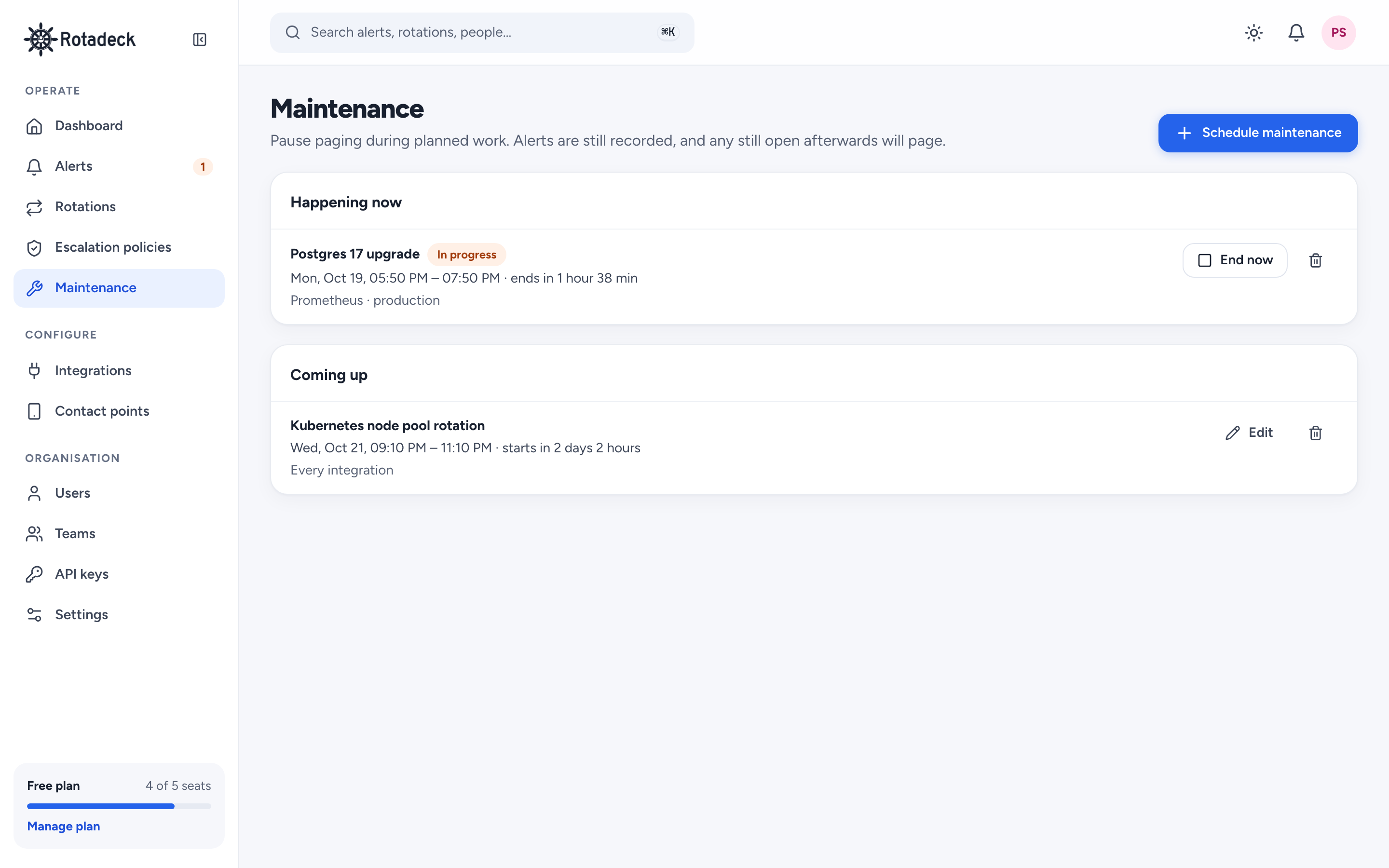
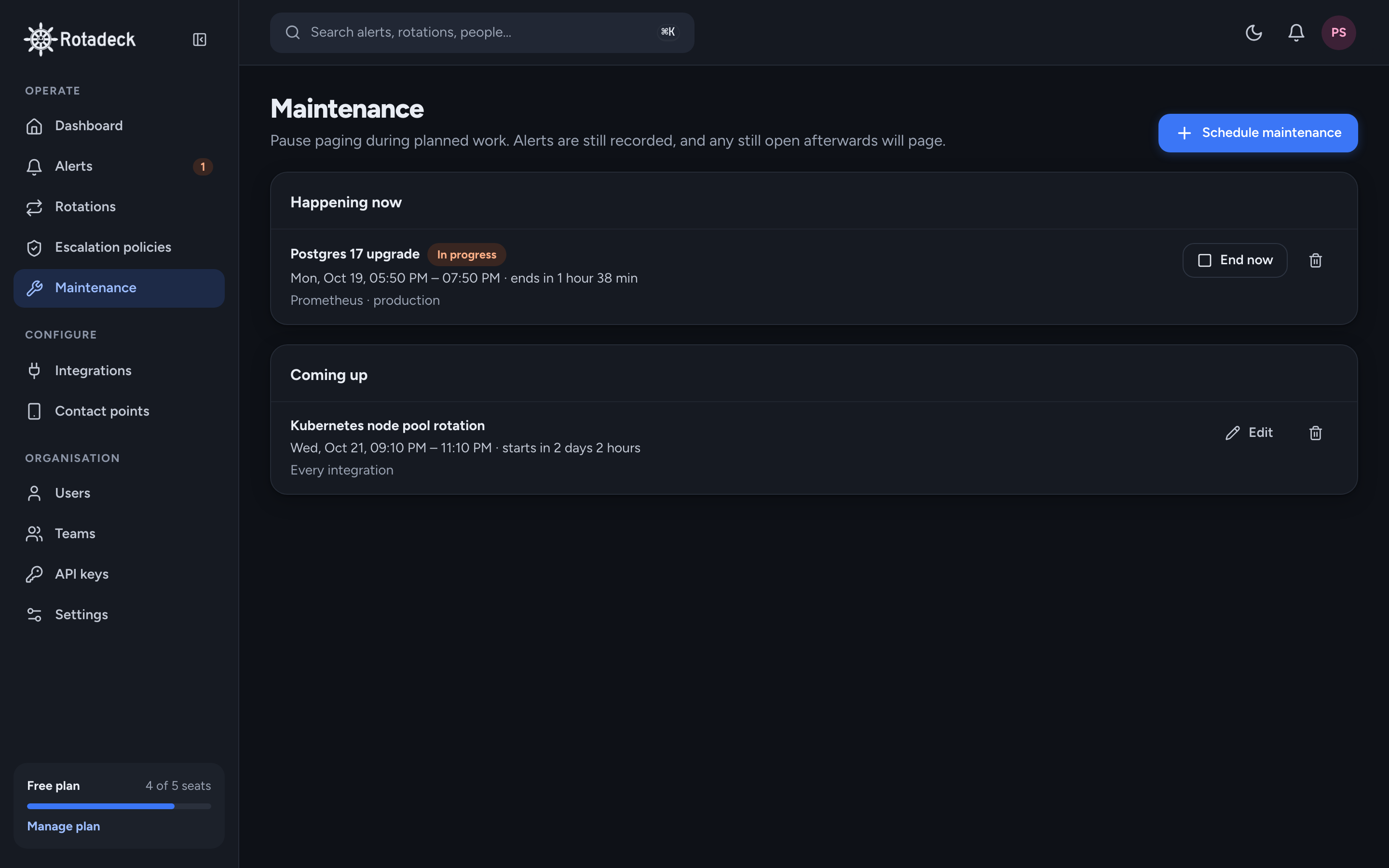
Schedule maintenance before a deploy or upgrade. Alerts are still recorded, but nobody gets paged for the ones you expect.
Silence every integration, or just the ones you’re working on
Anything still broken when the work ends pages straight away
A banner on the dashboard so everyone knows why it’s quiet
Pricing
Simple plans, no surprises
Start free. Upgrade when your team grows.
Ready for calmer on-call?
Set up your first rotation in minutes. Free for up to 5 users.
Get started free